
How to use the fixture ticker widget - a complete guide to the FDR chart.
The fixture ticker is a tool used by FPL managers to analyse the difficulty of upcoming matches for each team. The difficulty is represented by a color-coded rating, known as the Fixture Difficulty Rating (FDR).
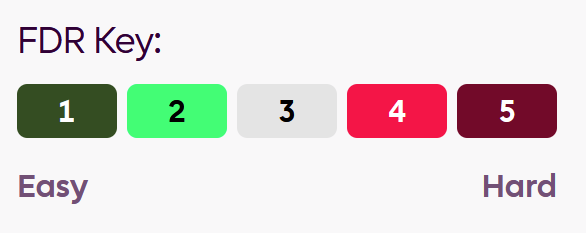
- Color-coding: The most difficult fixtures are red, while the easiest are dark green. The goal is to identify teams with a "good run" of easy fixtures (many green boxes) to target for your FPL squad.
Key Features and How to Use Them
-
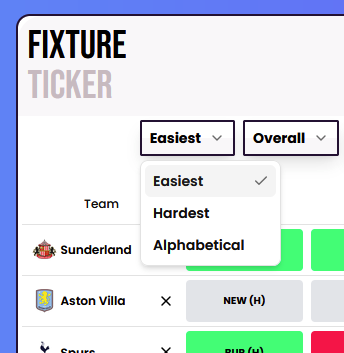
Sorting the ticker: by default set to alphabetical order, you can filter by easiest and hardest fixture runs. This is a crucial feature for identifying which teams have the best or worst schedules.
-
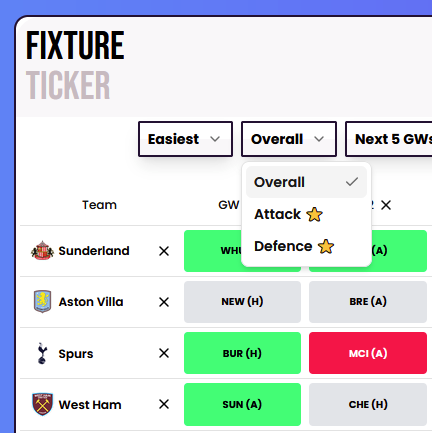
Attack/Defence/Overall: The next drop down allows a more granular approach to the filter. By default overall represents a combination of attack and defence difficulty. Whereas you might only be interested in which teams have a good fixture run for your midfielders and forwards, in which case select Attack, vice versa if you're looking for the best defensive fixtures.
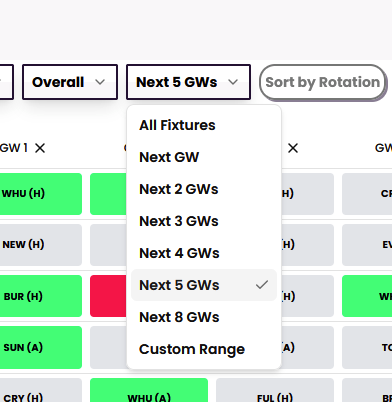
- Gameweek range: An important question to ask if "How long am I interested in?". A good gameweek range to work with is 5 - 6 fixtures, or longer if you're building your initial team/wildcard. There's a variety of gameweek ranges to choose from, or select a custom range.
- Planning Rotations: The FDR chart is also very useful for planning rotations. Select a team by tapping the row, then tap the "Sort by Rotation" button
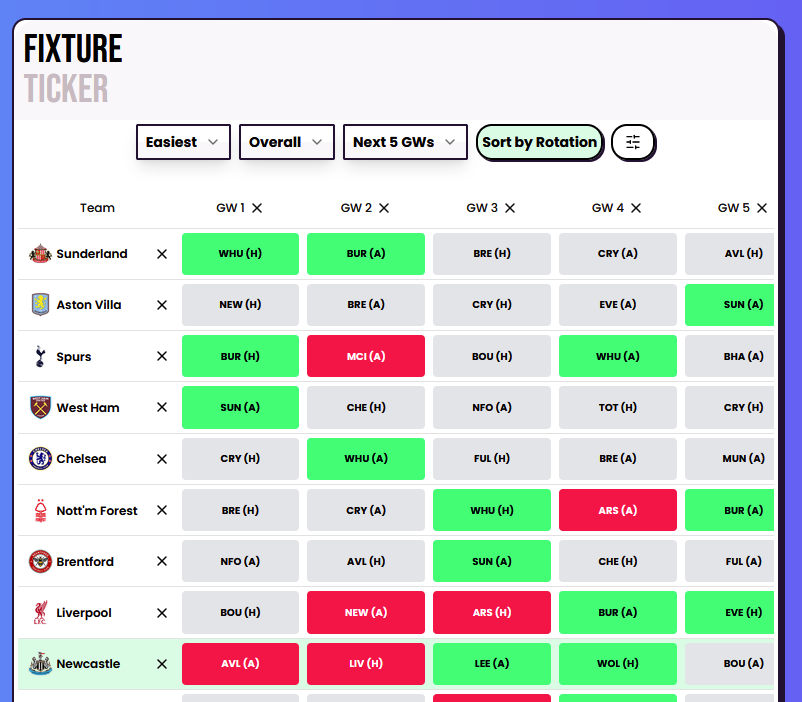
This will then show the teams with the best fixture rotations with that FPL team rating, from easiest to most difficult. This is particularly useful for identifying goalkeepers and defenders you want to rotate in your starting 11.
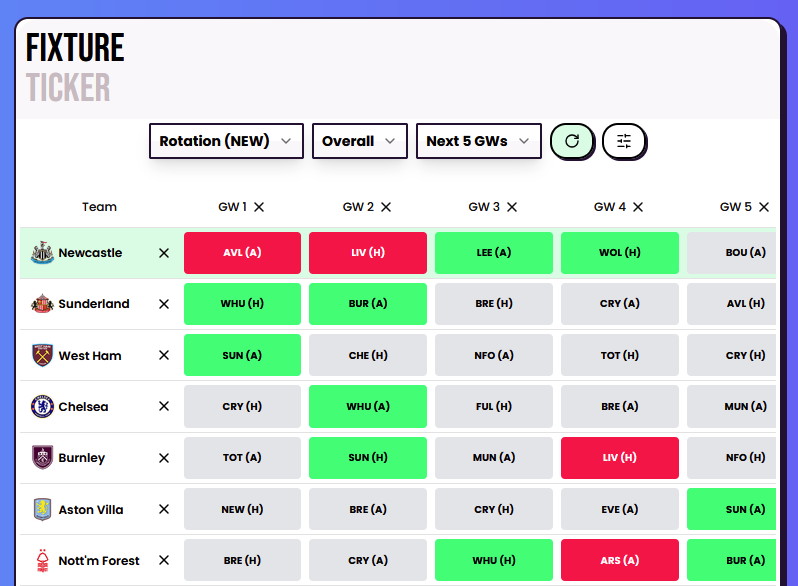
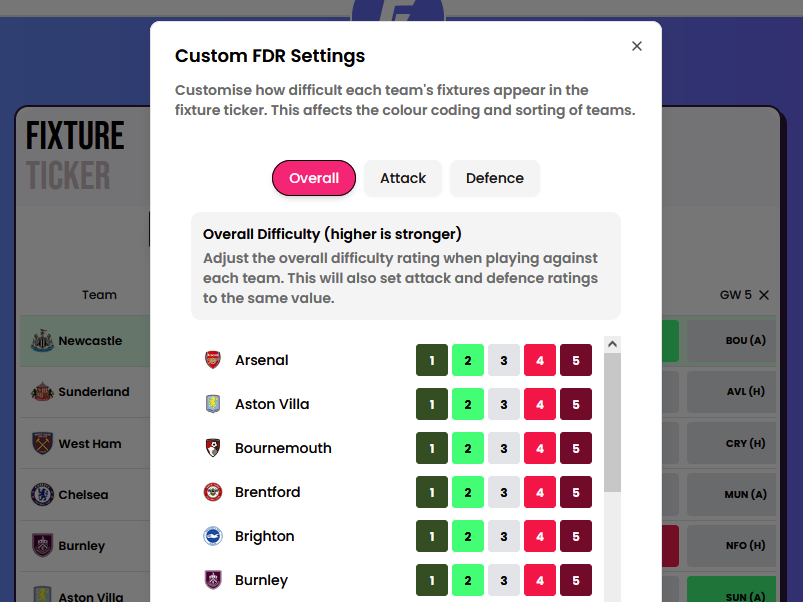
- Custom FDR settings: You might disagree with the default PL fixture difficulty ratings, that's OK! By selecting custom FDR Settings you have the ability to set your own ratings.
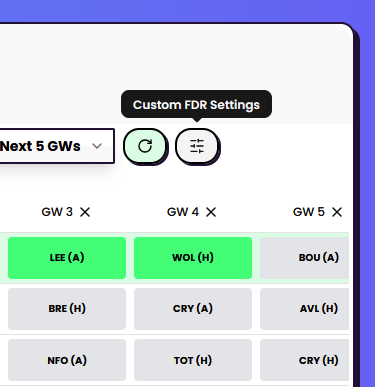
You can select your own ratings for Overall/Attack/Defence.
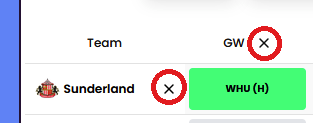
- Removing teams/gameweeks: There could be some teams you aren't interested in, likewise some gameweeks might not be relevant (for example if you plan to free hit in an upcoming gameweek then you don't need to include that)
Tap the X icon by team name rows, or Gameweek number columns to remove them. You can reset the ticker teams and/or gameweeks any time.
Please note some features are for subscribers only, become a subscriber today to unlock all benefits.